Enabling User Management and Secure Data Connection in The Collectors Utilizing Pulse
How a Collector signs people in through Pulse and writes to a secured Historian: the Collector's own identity, the Authentication mode on each Historian link (None, This host or Custom client), and what the link's status tells you.
What a 2.0 installation already does#
The Collector ships secured on both sides. Its settings.config has Pulse:Auth:Enabled set to true and names its Pulse client as Collector, so people sign in to the Collector through Pulse. Its shipped historians.config carries one Historian link, to localhost:4512 over TLS, whose Authentication is This host: the Collector presents its own Collector identity when it writes data. The seeded Collector client in Pulse carries the Historian among its audiences, so the Historian accepts it.
So on a fresh installation the one step is the Collector's client secret. HTTPS and certificates are automatic through Pulse:Cert; see Timebase Certificates.
Give the Collector its client secret#
The seeded Collector client's secret is on the client's page in Pulse (Clients, then Collector, then Reveal). Put it in the Collector's Pulse:Auth:ClientSecret, through the Collector's settings editor or as the environment variable Pulse__Auth__ClientSecret, and restart the Collector:
"Pulse": {
  "Host": "<your pulse address>",
  "Port": 4542,
  "UseTls": true,
  "Auth": {
    "Enabled": true,
    "ClientId": "Collector",
    "ClientSecret": "<secret from Pulse>"
  }
}
With that in place the Collector's interface sends people to Pulse to sign in, and the Collector can obtain tokens for itself.
The Authentication mode on a Historian link#
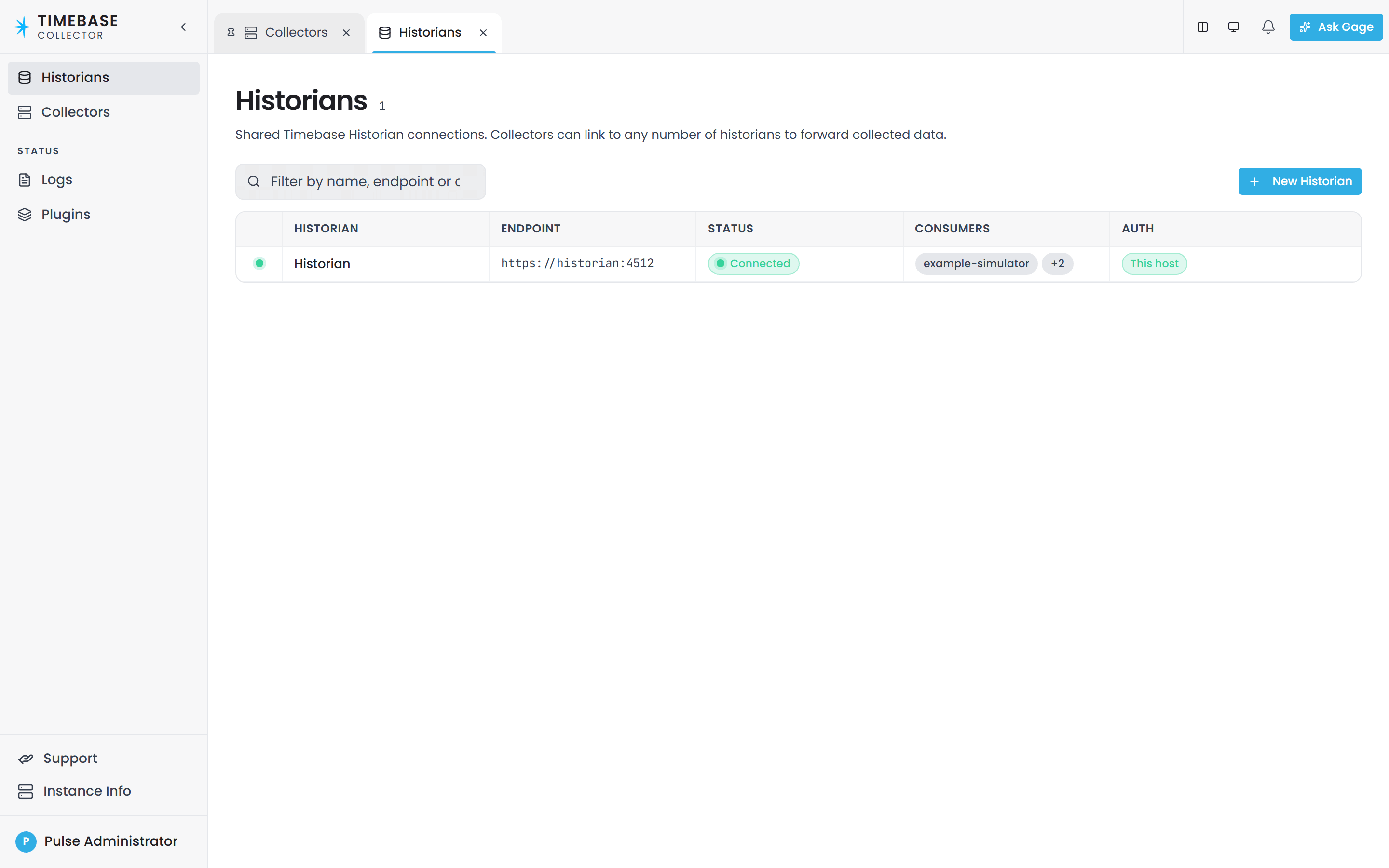
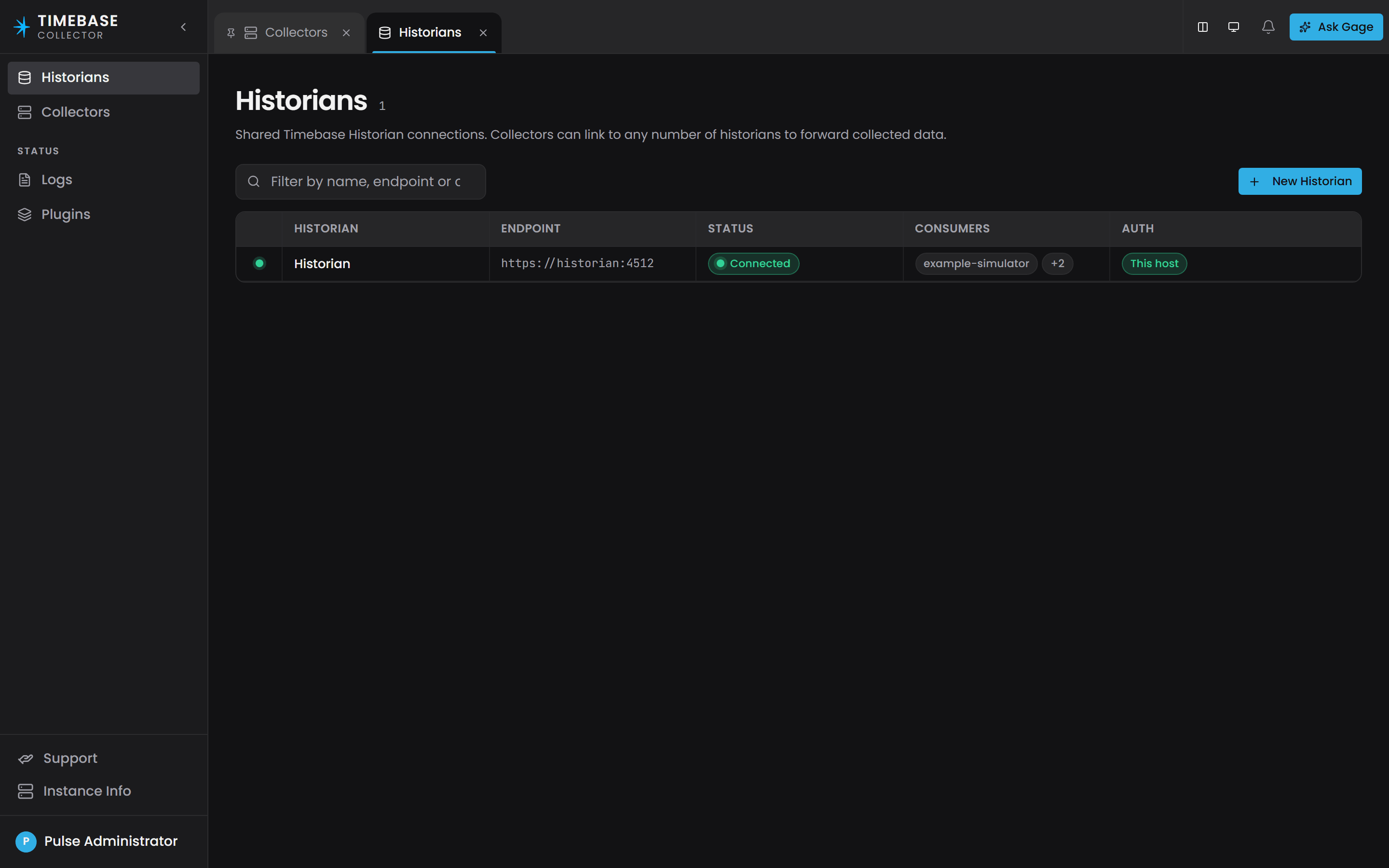
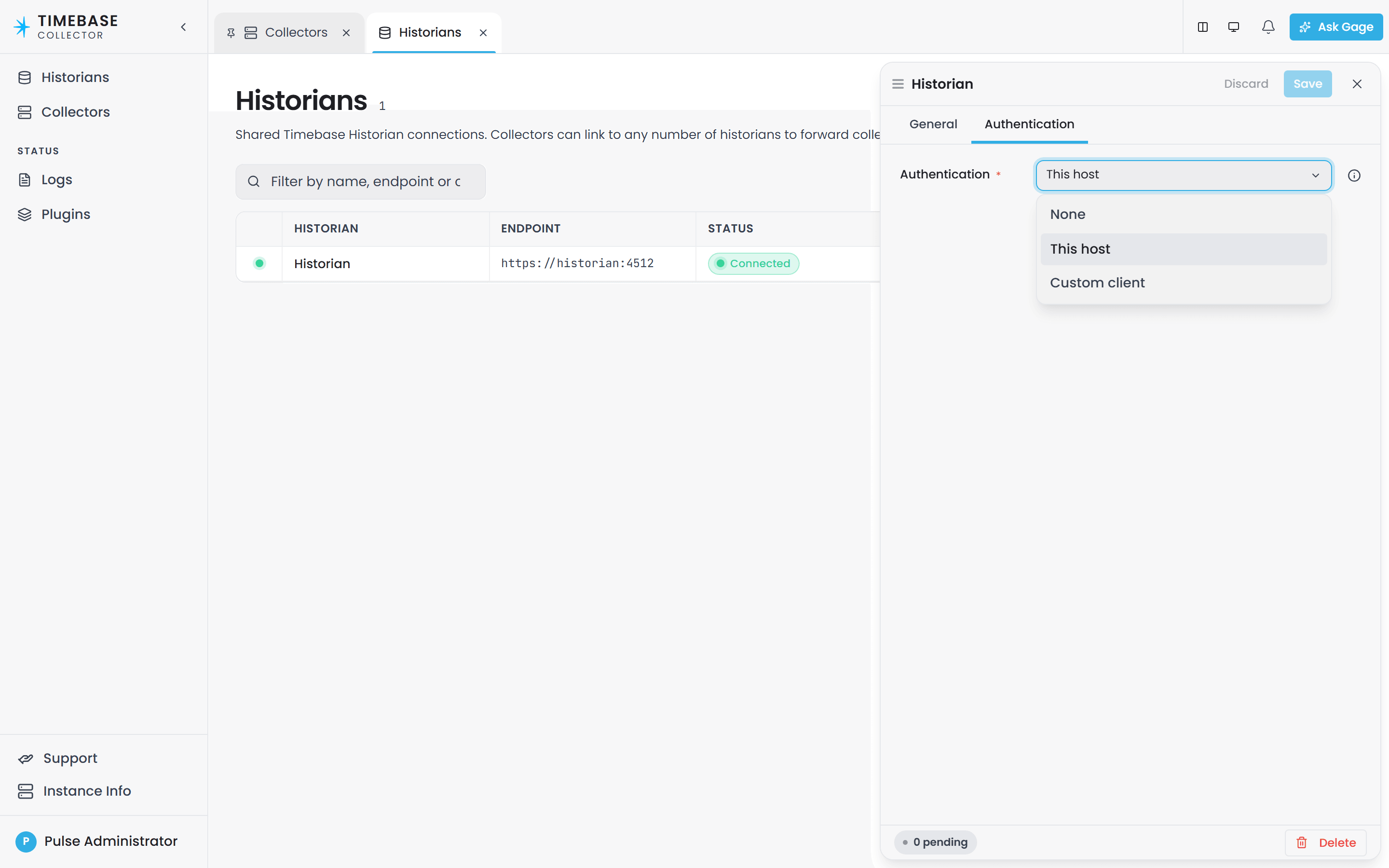
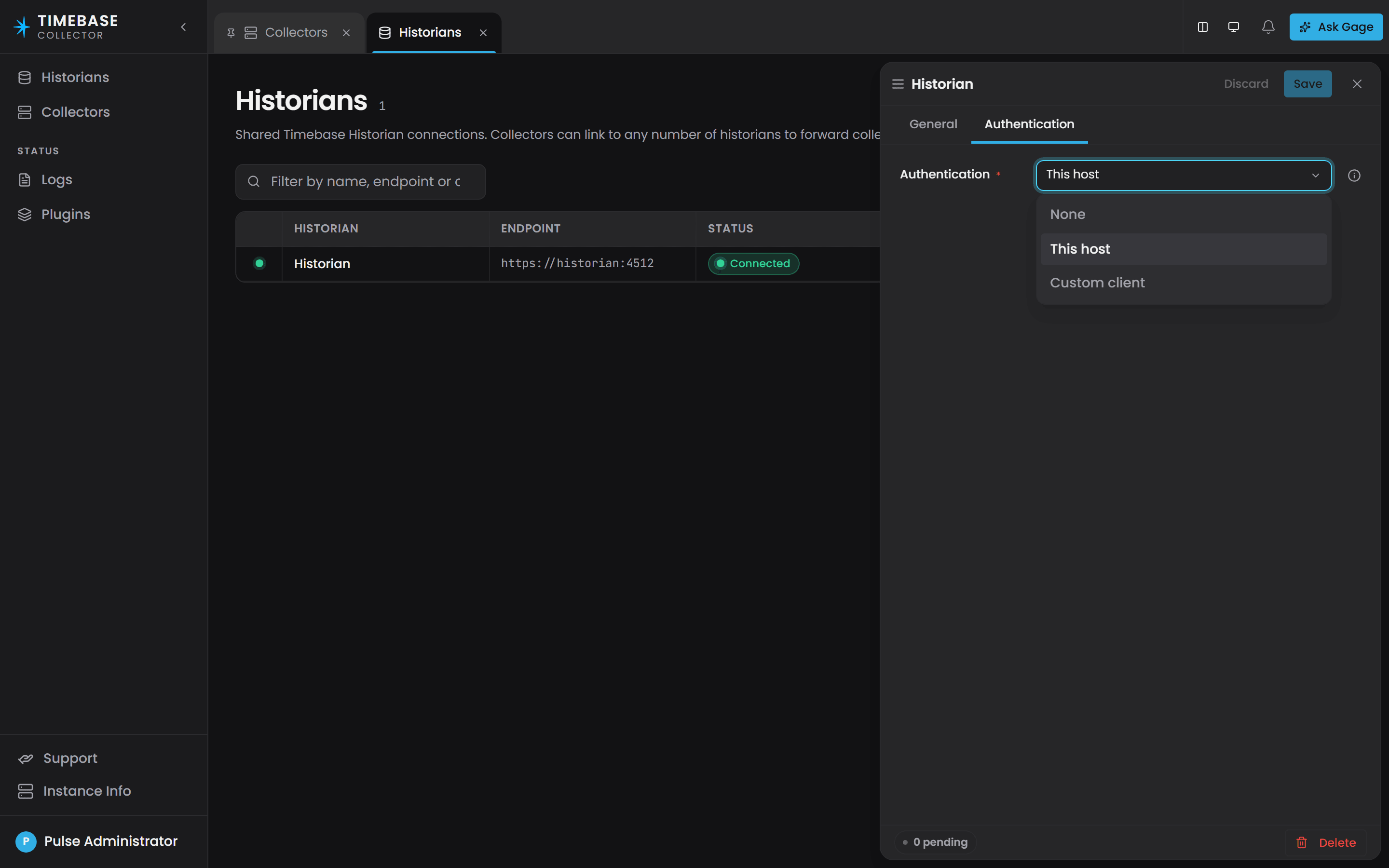
Each Historian the Collector writes to is listed on the Collector's Historians page, and in historians.config. The page shows each link's endpoint, status, the collectors that write through it and its authentication mode. The Authentication setting, on the link's own tab, says whose identity the Collector presents, by the same rule every link between two Timebase components follows:
| Mode | What the Collector sends | When to use it |
|---|---|---|
| This host | A token for the Collector's own identity, from its Pulse:Auth settings |
The normal case: one Pulse secures the Collector and the Historian. Nothing to fill in. A new link starts here. |
| Custom client | A token for the client and identity provider named on the link | The Historian trusts a different Pulse than the Collector does, or you want the Historian to see this Collector's data under a client of its own. |
| None | No token | The Historian has authentication switched off. Against a secured Historian every write is refused with 401. |
In historians.config the mode is written as Host, Custom or Off:
"historians": {
  "hst_4f2a91": {
    "name": "Historian",
    "config": {
      "host": "<your historian address>",
      "port": 4512,
      "useTls": true,
      "auth": {
        "mode": "Host",
        "clientId": "",
        "clientSecret": "",
        "idP": { "host": "", "port": null, "useTls": true }
      }
    }
  }
}
A Custom client link names everything itself. Register a client in Pulse with the Historian among its audiences, as Registering Timebase apps as OAuth clients in Pulse describes, then set "mode": "Custom", the client id and secret, and the identity provider's host and port; the same fields appear on the tab once the mode is chosen.
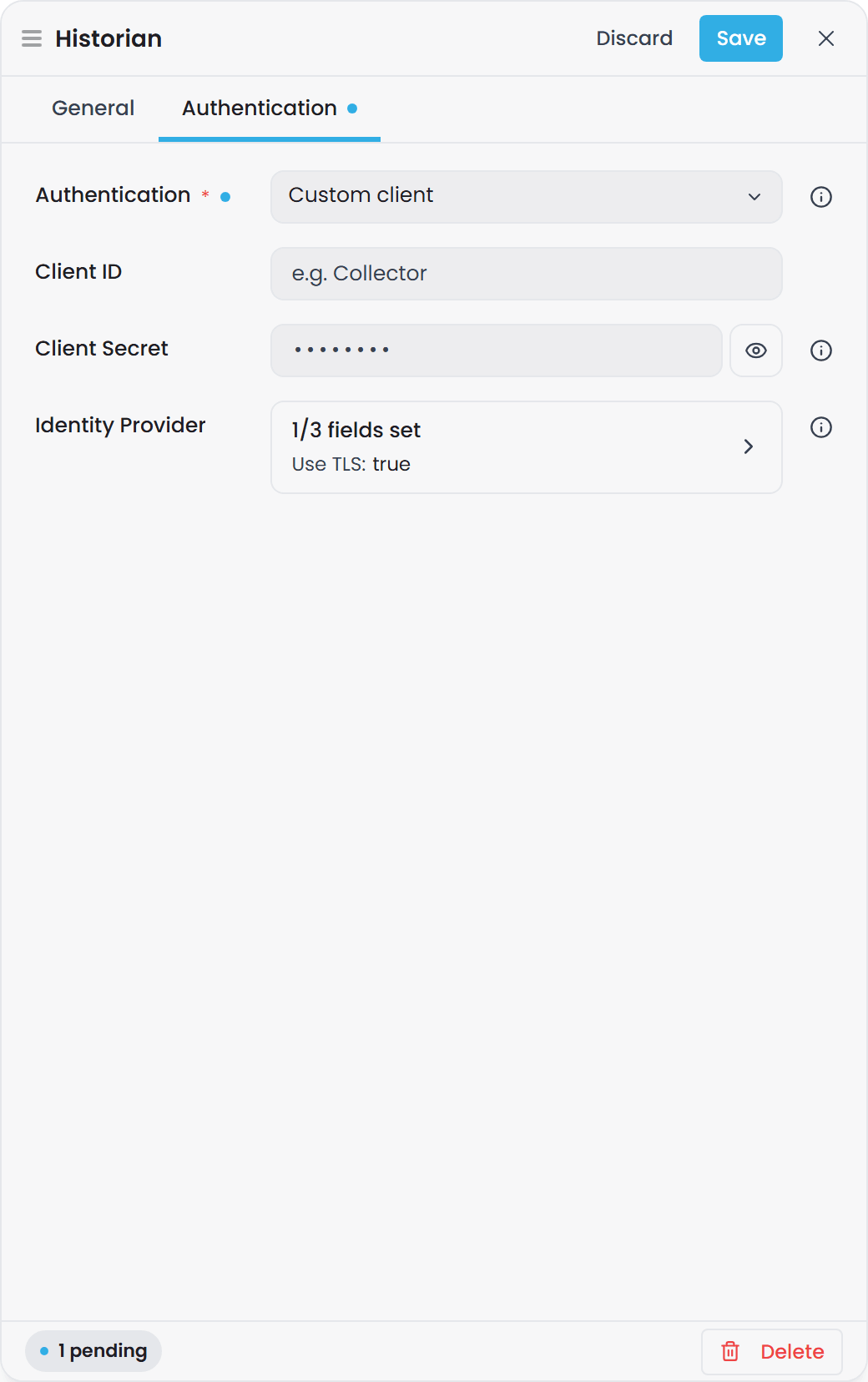
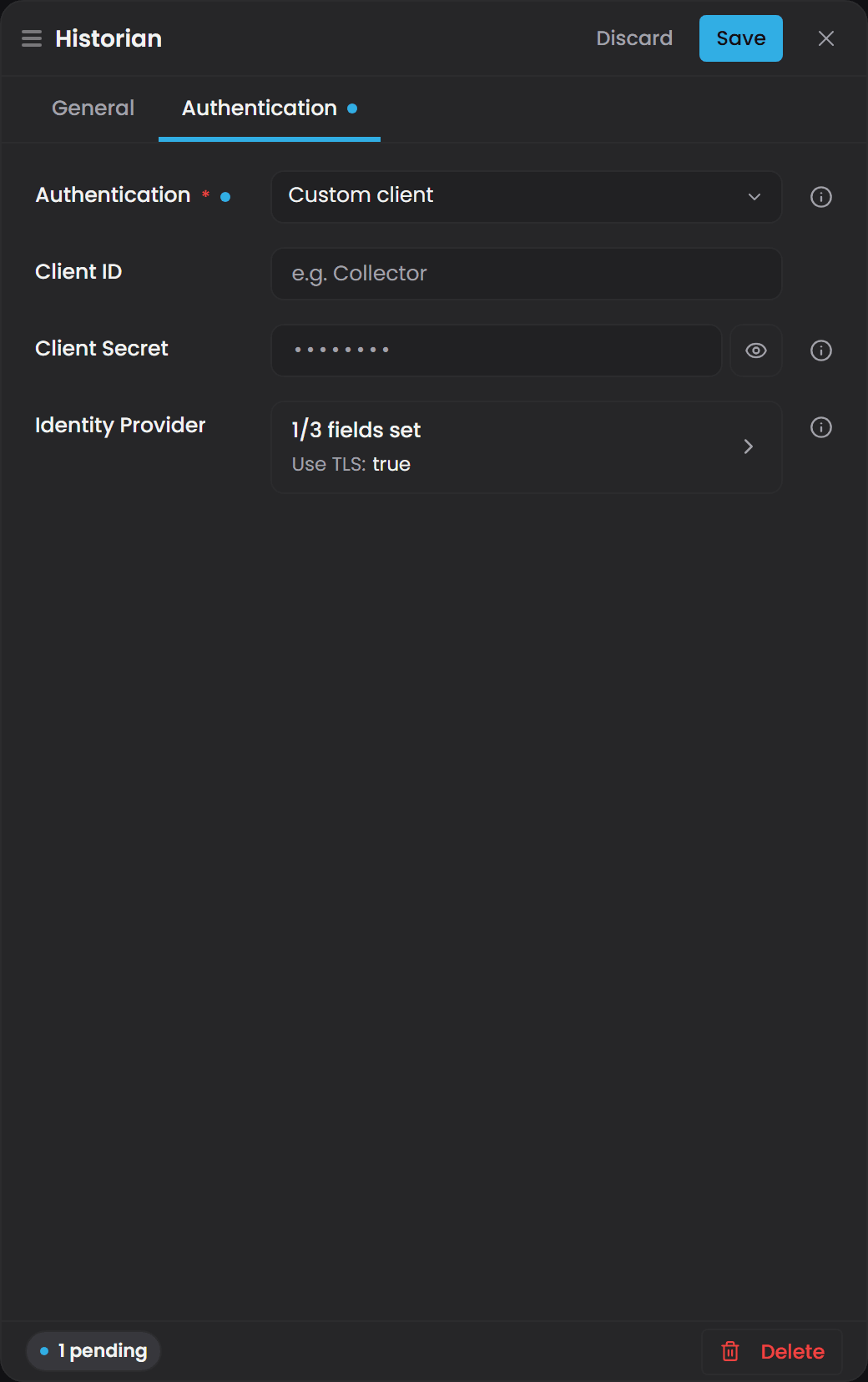 The identity provider has no default host or port: a Custom link with either blank reads Connection Fault at once, naming what is missing. A Collector writing to several Historians can use a different mode on each link.
A link saved on an earlier Beta build with "enabled": true is converted on load, to Custom, or to Host when the client it named was the Collector's own.
a client secret is stored as written in historians.config. Prefer This host, which stores no secret on the link, and treat the Config folder as a secret where you cannot.
What the link's status tells you#
Each Historian link reports its connection on the Collector's interface the way every plugin instance does: Running when it reaches the Historian and is accepted, Connecting… during a first attempt or an outage being waited out, Connection Fault when it cannot reach the Historian or was refused, with the reason naming the setting to look at. A Pulse that cannot be reached is an outage, retried quickly; a client Pulse refused is a refusal, retried slowly. A change to the link's settings is checked at once. See Plugin Instance States, Connection Status and Retries.
While the Historian or Pulse cannot be reached, the Collector keeps collecting and stores values to local disk; they are forwarded when the connection returns. See Store and Forward Operation.
Troubleshooting#
| Symptom | Likely cause | What to do |
|---|---|---|
The link reads Connection Fault, reason says the Historian refused the token or answered 401 |
The identity the Collector presents is not accepted by the Historian | With This host, check the Collector's own Pulse:Auth secret and that the Collector client in Pulse lists the Historian among its audiences. With Custom client, check the client, its secret and its audiences. |
| Connection Fault, reason names the identity provider | A Custom link with a blank identity provider host or port | Fill them in, or switch the link to This host. |
| Connection Fault, reason says the Collector's own sign-in is off | This host on a Collector whose Pulse:Auth:Enabled is false |
Enable the Collector's own sign-in, or use Custom client. |
| Connection Fault, reason says the certificate was rejected | The Collector does not trust the Historian's certificate | Both should hold certificates issued by the same Pulse. See Timebase Certificates. |
| Connecting… that does not resolve, and the buffer grows | The Historian, or Pulse, cannot be reached | Check addresses and ports from the Collector's machine. Nothing is lost: the store-and-forward buffer drains when the link returns. |
| The Collector's interface shows no sign-in page | The Collector's own Pulse:Auth is off or misconfigured |
Check the Pulse section above; it has the same shape in every component. |