Plugin Instance States, Connection Status and Retries
What Running, Connecting, Connection Fault, Config Fault and Suspended mean on a Collector, Connect, Bridge or Explorer instance, how an instance that cannot reach its source or destination reports it, and how a failed instance retries itself.
Overview#
Collector, Connect, Bridge and Explorer all run their work as plugin instances: one MQTT collector, one SQL connector, one egress target, one data source. Every instance answers two separate questions, and the interface folds the answers into one status:
| Question it answers | |
|---|---|
| State | Did this instance start? |
| Connection | Can the running instance reach what it exists to talk to? |
The two come apart more often than you would expect, and the interesting case is the one where they disagree: an instance that started perfectly and cannot reach its database. It is Running by the first measure and failing by the second. Fusing them is what used to make the hosts disagree with each other: one would fault an instance whose broker was down while another showed a green Running. They are kept separate now, and a connection problem never counts as a failure to start.
All four hosts behave the same way here, so what follows applies wherever you see an instance listed.
The states#
| State | What it means |
|---|---|
| Disabled | Configured but not wanted. It exists in the configuration with enabled off, so it was never started. Shown as Stopped |
| Starting | Wanted, and being constructed and started now |
| Running | Started successfully. The only state in which the instance actually serves anything |
| Faulted | Construction or start failed, or took too long: settings that will not bind, a port that will not open, a plugin that will not load. It is on the retry ladder and will be tried again. Shown as Config Fault |
| Stopping | Being torn down, because it is no longer wanted or is being rebuilt |
| Suspended | Failed enough times in a row that the host has stopped retrying. This one needs a person |
A Faulted instance keeps a failure reason alongside its state, so "why is this not running" is answerable from the status API and the interface without opening a log.
State is never written to your configuration. Only the intent, enabled, belongs in a configuration record. The state is computed each time, which is why a file can never carry a stale Running across a restart.
Connection status#
A Running instance with an external endpoint is asked, by the host, whether it can reach it. The host asks shortly after the instance starts and then about every 20 seconds, with some jitter so that instances which fell over together do not all retry on the same tick. A plugin that holds a live connection answers from it at no cost; one that does not makes the attempt, with the lightest read-only call its system offers. The check never writes to your system, and the host gives it ten seconds before treating it as unreachable.
| Connection | What it means |
|---|---|
| Connecting | A first attempt or a reconnect is in progress, or the connection is down and expected to come back. Shown as Connecting… |
| Connected | A usable, authenticated session exists or was just proven. Shown as Running |
| Failed | Cannot connect, and the reason says why. Shown as Connection Fault |
| Not applicable | The instance has nothing external to reach: a simulator, an inbound listener. Shown as Running |
| Not checked | The instance has an endpoint but no safe way to probe it, such as an egress that only learns by sending. Shown as Running until a real result arrives |
An outage is held at Connecting for a grace period of one minute before it reads Connection Fault. A database restart or a dropped session that comes back inside the minute never shows red. The clock starts at the first failed check of the outage and is not reset by further failures, so an endpoint that is genuinely gone reads Connection Fault one minute after it went.
Some failures skip the grace period and read Connection Fault at once, because retrying cannot change them: a credential the far side refused, a server certificate the connector will not trust, a protocol mismatch, an address that is blank or cannot be a valid address at all. The reason names the setting to look at. These are reported as Connection Fault rather than Config Fault on purpose: the instance runs, and the moment the setting is corrected it is checked again from the bottom of its retry ladder, with no restart.
A connection problem never stops the instance's subscriptions. A connector whose database goes away keeps every subscription Atlas holds on it, reports Connecting and then Connection Fault, and delivers the snapshot it owed once the database answers again. Nothing has to be re-subscribed.
Retries. After a definitive refusal the host checks again on a ladder that starts at 30 seconds and grows to five minutes, so a wrong secret is not hammered against the far side every few seconds. An outage keeps the faster rhythm, starting at one second and growing to a minute. A change to the instance's settings or its secret starts a fresh run: the new values are checked at once, from the bottom of the ladder, and a stale result from the old values is discarded.
Where authentication is involved, the reason distinguishes a refusal from an outage. A Pulse that cannot be reached is an outage, on the fast ladder; a client Pulse refused is a refusal. An instance signing in as its own host with that host's own sign-in switched off says so rather than failing silently.
How a failed instance retries itself#
A Faulted instance is retried on its own, on a ladder:
| First retry | after 5 seconds |
| Each subsequent failure | doubles the wait |
| Ceiling | 5 minutes, then it stays there |
| Spread | each wait is jittered by about 20% |
| Stops after | never, by default |
The jitter matters more than it looks. Without it, every instance that failed on the same outage would retry in the same instant and hit the recovering dependency together.
Why it never gives up#
This is deliberate, and it is the opposite of what you might expect from a process supervisor.
A process that fails to start three times is misconfigured and will not fix itself, so three strikes and a human is right for it. A plugin instance that cannot start usually has a real configuration problem, and that has its own natural end: fixing the configuration resets the ladder and retries immediately. In the meantime, retrying every five minutes costs almost nothing, and the cases that do heal themselves, a port held briefly by another process, a plugin assembly mid-copy, heal.
Suspended, and how to get there#
Suspended is only reachable if a retry ceiling has been configured. The default policy has none, so on a default installation you will not see it.
Where one is set, an instance that hits the ceiling stops being retried and waits for a person. That is the distinction from Faulted: both are failing, but Faulted is still trying.
Health: running, connected, and still failing at the work#
A connected instance can still fail at its actual job: a query that errors, a publish the broker rejects, a browse that returns nothing. The hosts record a health reason for that, separate from the connection reason, and it is available from the status API for diagnostics. It is not shown as a status in the interface: a failing query is a matter for the logs, and an instance that can reach its system reads Running. Look at the instance's logs and, for a connector, at the Route inspector to see whether data is actually flowing.
One case worth knowing about: an Explorer source whose Historian cannot be reached used to be served as an empty browse tree, which looks exactly like a Historian with no tags in it. It now reports the failure instead, so an empty tree means what it says.
Recovery is automatic and silent. An instance whose connection comes back, or whose work starts succeeding again, clears its own status. Nothing needs restarting, and the log records the edges only, the moment it went bad and the moment it recovered, rather than every failed attempt.
Configuration changes apply on next start#
An instance is immutable with respect to its own configuration. Change it, and the instance is rebuilt rather than updated in place: it stops and starts again with the new settings.
That is a decision rather than a limitation. A plugin that could be reconfigured while running would have to be correct at every intermediate state of the edit, and most cannot be.
The practical consequence: a configuration change interrupts that instance briefly, and only that instance. Others are untouched.
A structural change is different from a settings change. Changing an instance's type is structural, and so is a hot-reloaded plugin assembly: the instance is rebuilt from scratch rather than restarted. A rename is neither: instances are tracked by a surrogate id that is stable across every rename, so renaming one does not restart it.
A few plugins apply a connection change in place instead of restarting. Those report the change to the host, which checks the new settings at once rather than waiting out the old retry ladder.
Reading the interface#
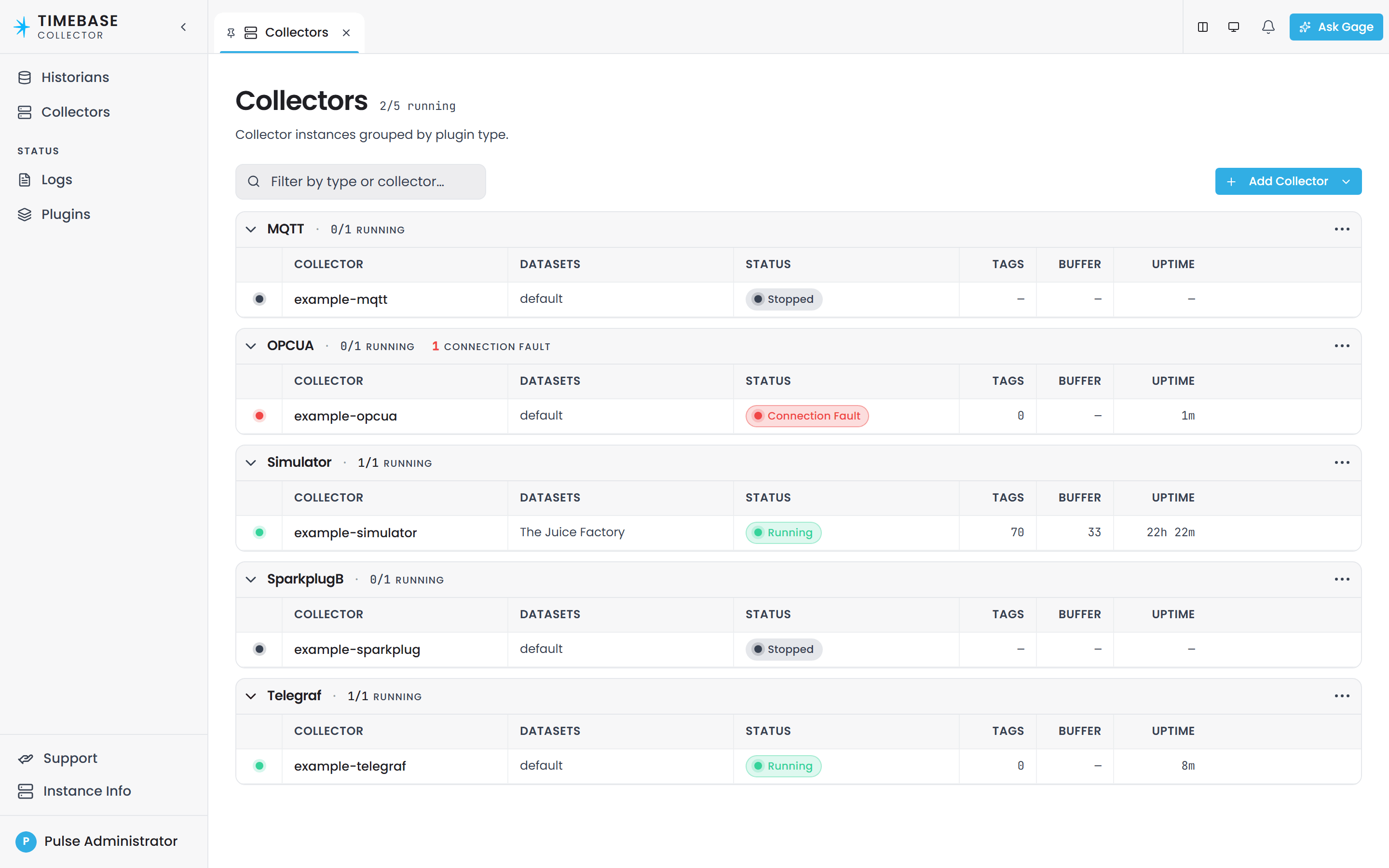
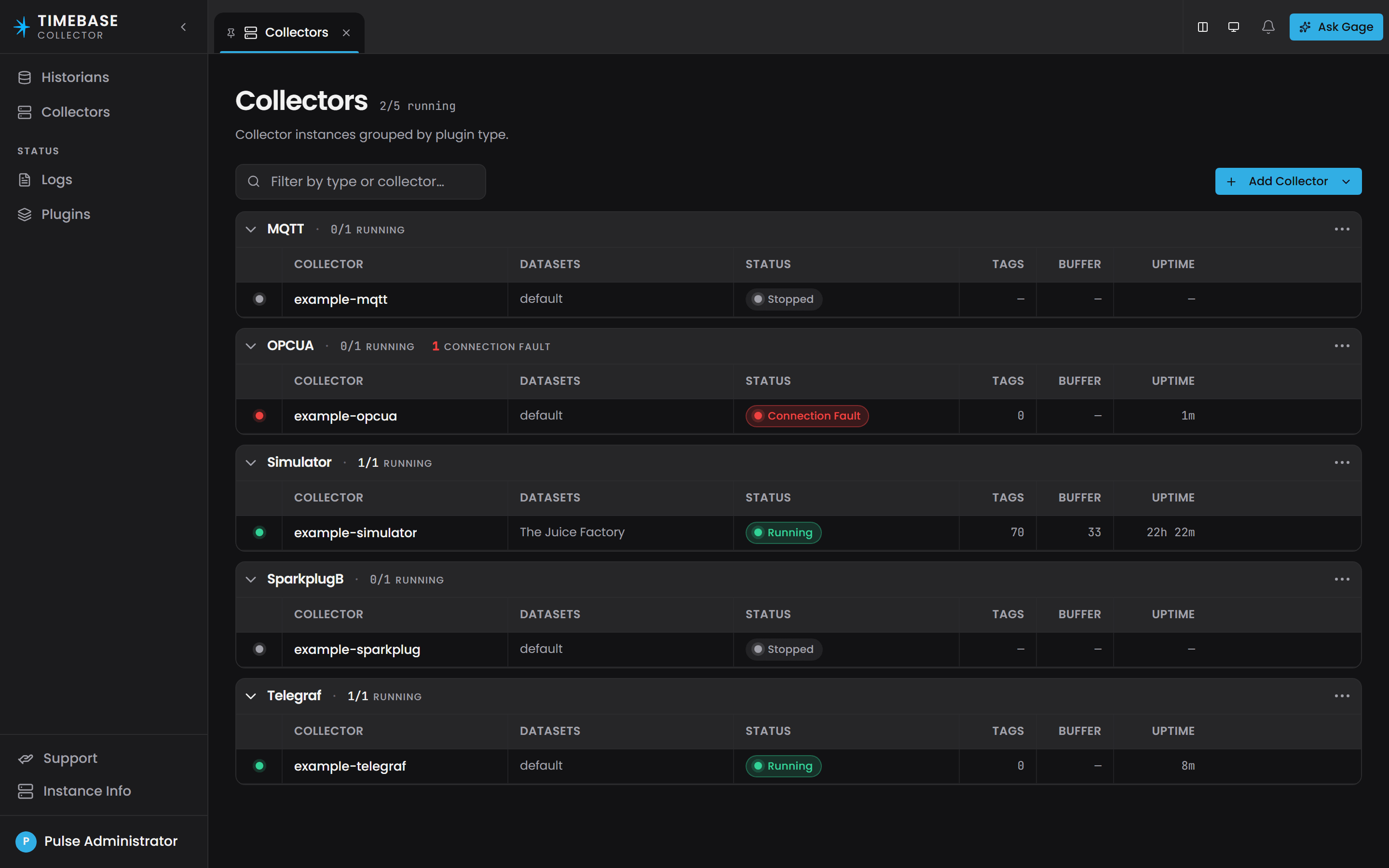
| What you see | What it means |
|---|---|
| Running, green | Started, and either connected to its endpoint or has nothing to connect to |
| Connecting…, amber | Started, and the first connection is being made or an outage is being held for the grace period. The reason beside it says what is being waited for |
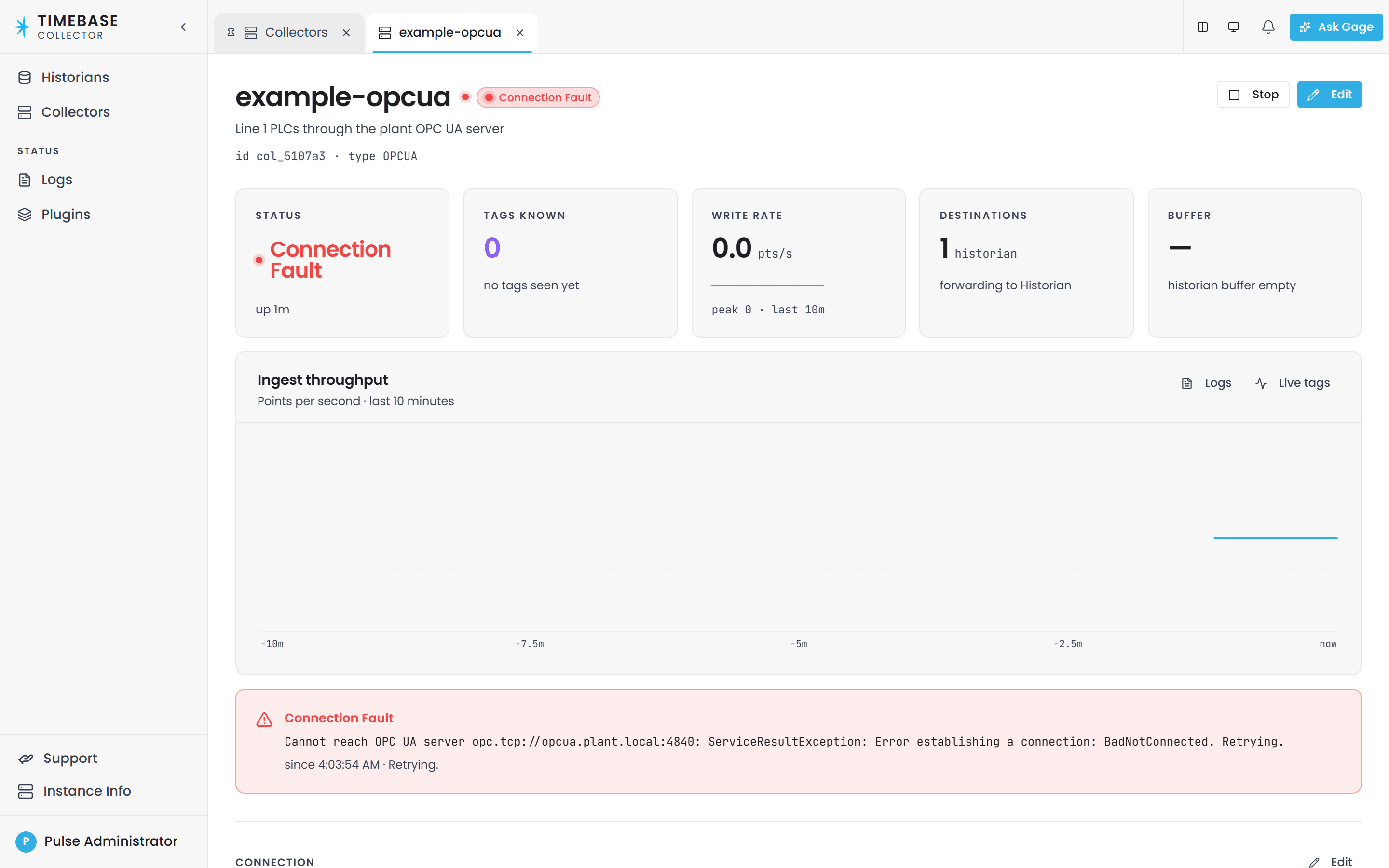
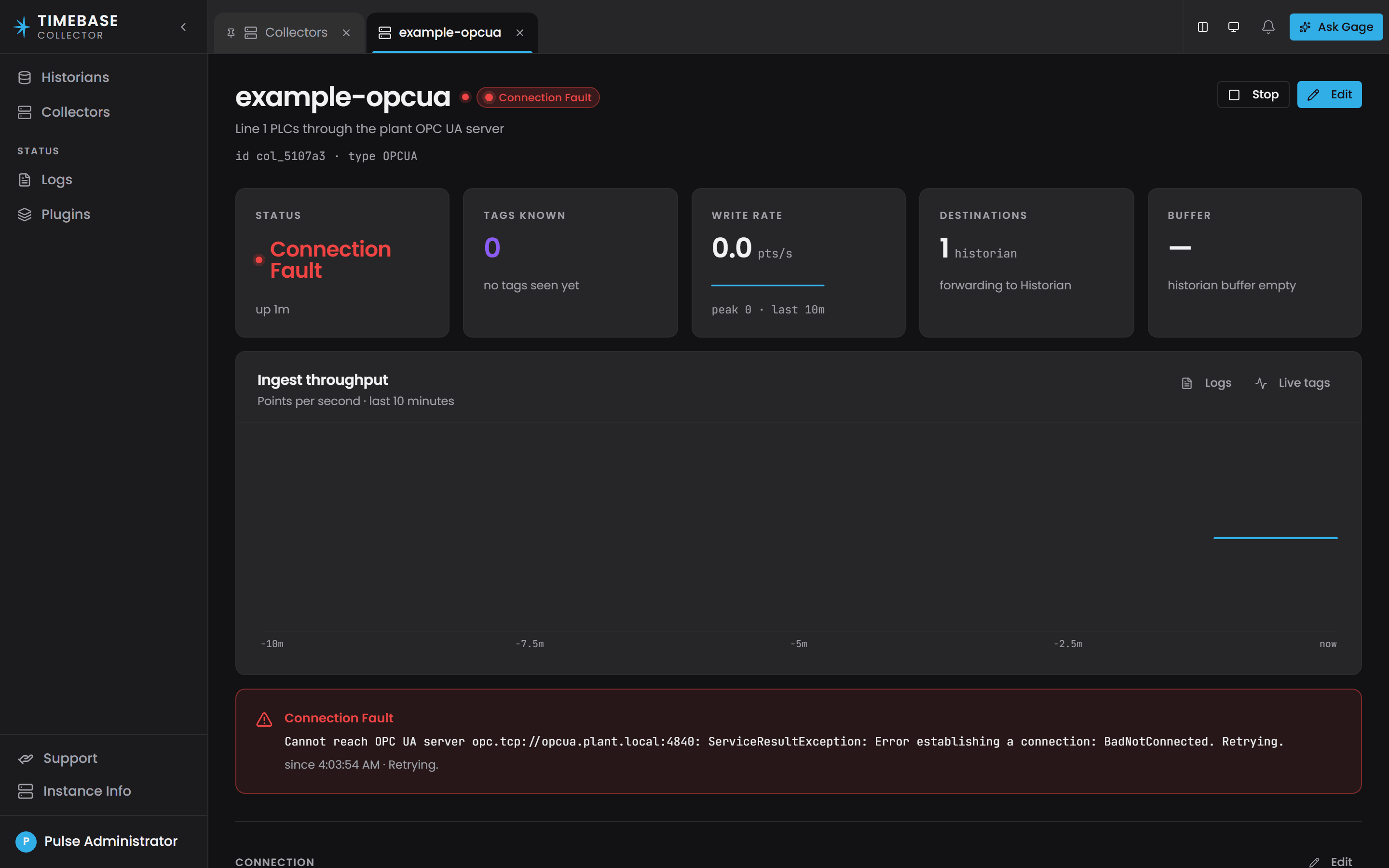
| Connection Fault, red | Started, but cannot reach its source or destination. The reason beside it says why and names the setting to look at where one is to blame. It keeps trying |
| Config Fault, red | Not running. The reason is beside it, and it will be retried |
| Suspended | Not running, and not being retried. It needs you |
| Stopped | Configured and switched off |
| Starting… or Stopping… | In flight, so wait before concluding anything |
| A count such as "3/5 running" | Of five configured instances, three read Running. The other two are in some other status, and the list says which |
An instance's own page shows the same status with its reason, beside the tags it knows, its write rate, its destinations and its buffer.
Troubleshooting#
| What you see | What it means | What to do |
|---|---|---|
| Connecting… for a minute, then Connection Fault, with a reason naming an unreachable endpoint | The dependency is down, or the address points at nothing | Check the address and port against the system itself. If they are right, the dependency is down and the instance recovers on its own when it returns |
| Connection Fault at once, with a reason naming a credential, a certificate or a blank address | Retrying cannot fix it | Correct the setting the reason names. The new value is checked as soon as it is saved |
| Connection Fault whose reason says the far side answered but the response could not be read | The address and port reach something, but not the system you meant: a proxy, or another service on that port | Point the instance at the system's own address and port |
| Config Fault with a reason naming a setting | The instance cannot start until the setting is fixed | Fix the configuration. Saving resets the retry ladder and retries at once, so there is no wait |
| An instance flips between Running and Connection Fault | Something intermittent underneath it | Read the connection reason and the time the outage began. Those separate "flapping for hours" from "failed once, just now" |
| Running but no data | The connection is fine and the work is not | Look at the instance's logs for the failing query or publish, and for a connector at the Route inspector. The problem is in the configuration of the work, or downstream of this instance |
| An Explorer source shows an empty tree | It is genuinely empty | An unreachable source reports the failure instead of an empty tree, so an empty tree means what it says |
| Suspended | A retry ceiling was configured and reached | Fix the underlying cause, then re-enable it. It will not retry on its own |
| An instance restarted and you did not restart it | Its configuration or its plugin assembly changed | Expected. An instance is rebuilt rather than reconfigured in place |
Related articles#
- Connector Diagnostics - working through a connector that is delivering no data
- Component Settings - where each host's configuration lives
- Connecting Data Sources - configuring the connector instances this describes