HistorianReference
System Tags: Dataset Diagnostics
How Do I Monitor Dataset Health And Performance?
Historian System Tags#
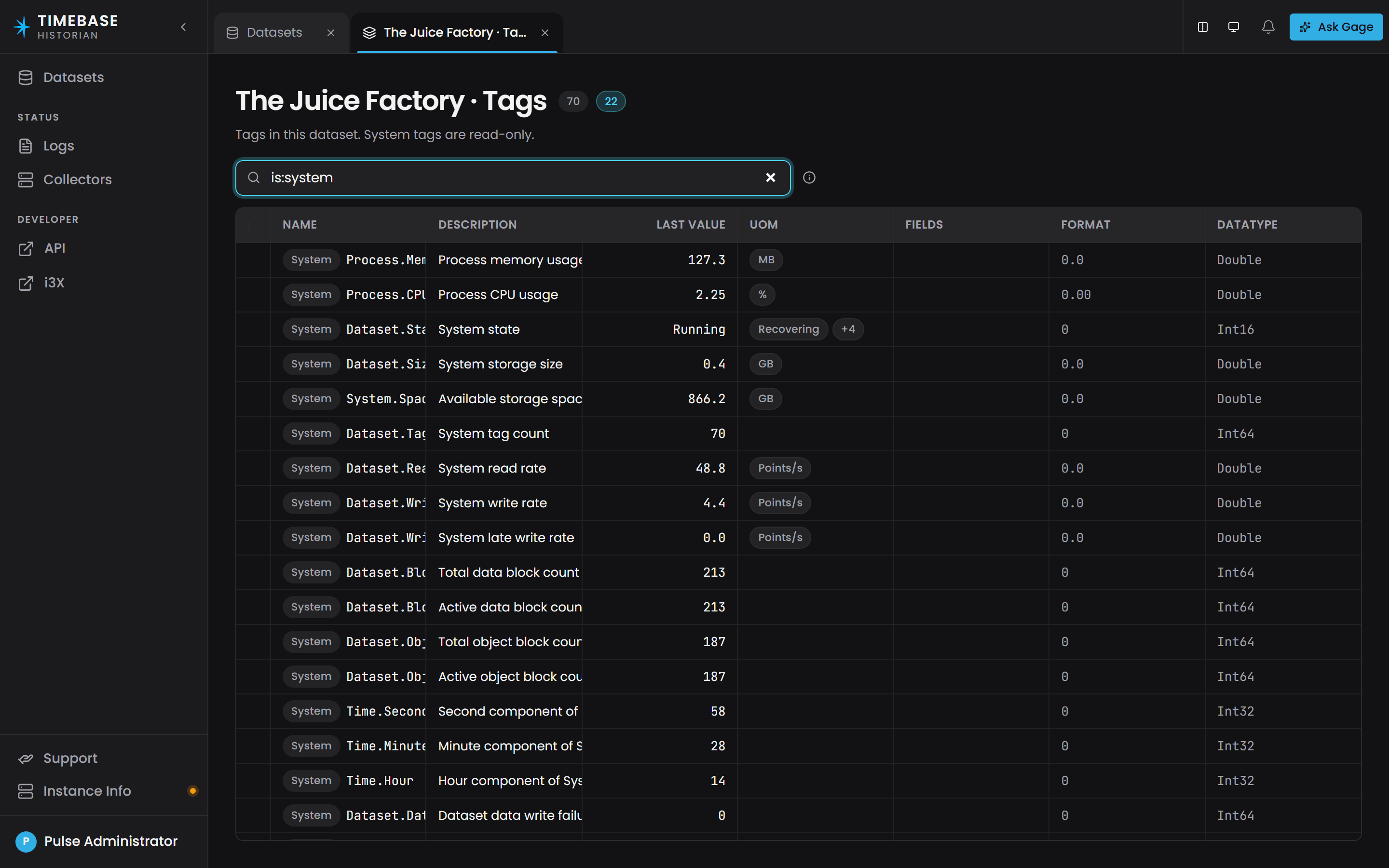
Your Timebase Historian has a series of diagnostic "System" tags, providing diagnostic and monitoring information. They are listed read-only on every dataset's Tags tab, marked System; filter with is:system to see them on their own.
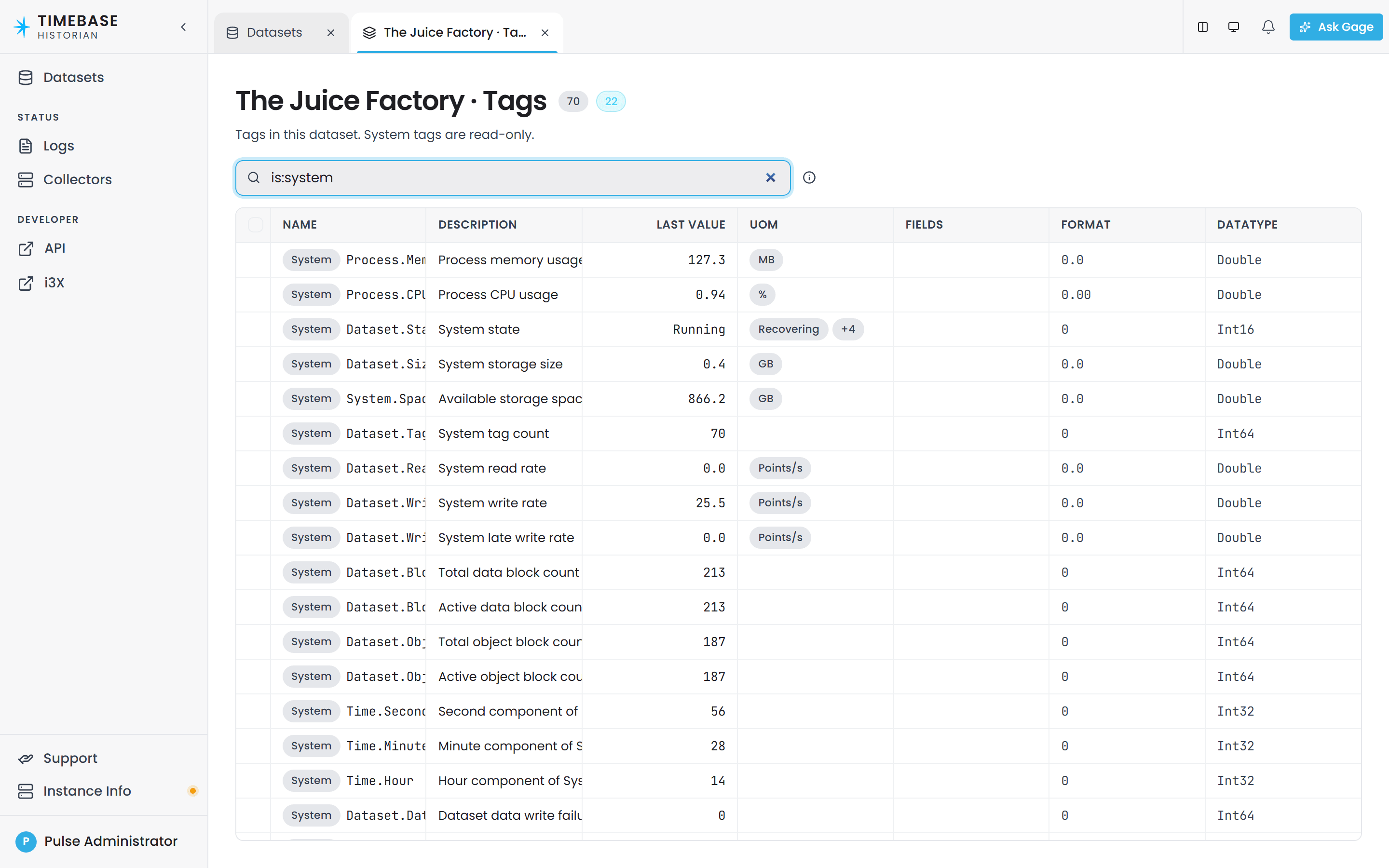
| Tag | UoM | Description |
| Process.Memory | MB | Provides the amount of physical memory mapped to the process context, measured in mega bytes. Essentially, reporting how much memory the Historian application is currently using. |
| Process.CPU | % | Ratio between total processor time, the time the process had utilized the CPU and the application running time. |
| Space | GB | Gets the total free disk space on the root drive for the specific location of the dataset. |
Dataset System Tags#
Each dataset will have a set of diagnostic "System" tags, providing diagnostic and monitoring information. These tags are tabulated and explained below:
| Tag | UoM | Description |
| State | Enum | Current state of the Historian, see list below the table for definitions. |
| Size | GB | Calculates size of all files within the dataset. |
| Tags | # | Total amount of tags configured within the dataset, excluding system tags. |
| Reads | points/sec | Total number of points read from the dataset per second, includes all tags. |
| Writes | points/sec | Total number of points written to the dataset per second, includes all tags. |
| Writes.Late | Allows monitoring of late data ingestion rates. | |
| Second | The second component of System time, based on local time. | |
| Minute | The minute component of System time, based on local time. | |
| Hour | The hour component of System time, based on local time. |
Historian States can be as such:
Recovering
- recovering from uncontrolled shutdown
Starting
- starting after controlled shutdown
Running
- accepting read and write requests
Stopping
- controlled shutdown
Stopped
- shutdown